
Run your fleet
in one place.
Book freight, assign drivers, track deliveries, and see which loads are ready to invoice.


Take the product tour
Explore six training examples, from pricing a load to reviewing an issued invoice. Each screen shows what the team sees at that step.
Step 1 of 6
Price the freight
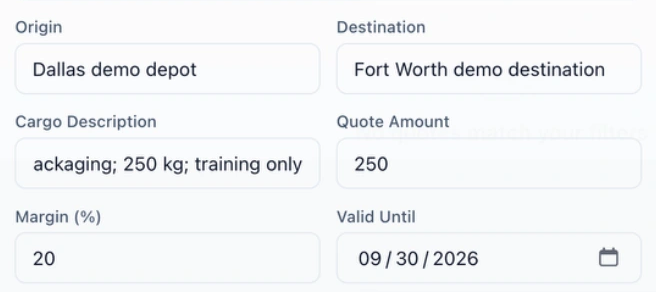
Give the customer a price for a specific route and cargo. The quote records the amount, margin and date the offer expires.
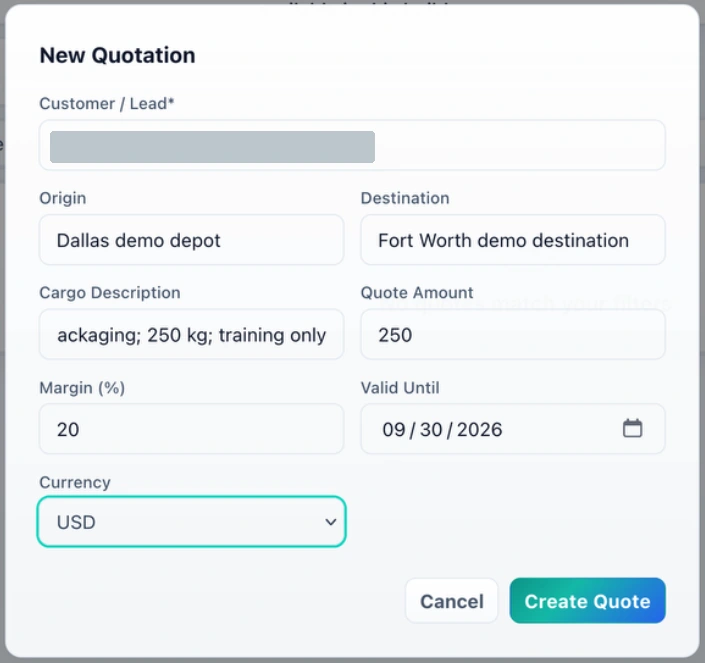
Quote terms

When the customer accepts the quote, booking records the job and its service window.
Shipment visibility
Follow a sample load from Dallas to Fort Worth. Compare the truck’s reported position with the arrival estimate the receiving team sees.
Sample route replay
Dallas to Fort Worth
Dispatch update
In transit
- Last report
- 8:34 AM CT
- Reported position
- Arlington, TX
- Delivery ETA
- 9:05 AM CT
No delivery confirmation yet.
See your own dispatch
workflow in OpsTrax.
Bring a typical order. We’ll walk through who books it, who drives it, and what your billing team needs to close it.